


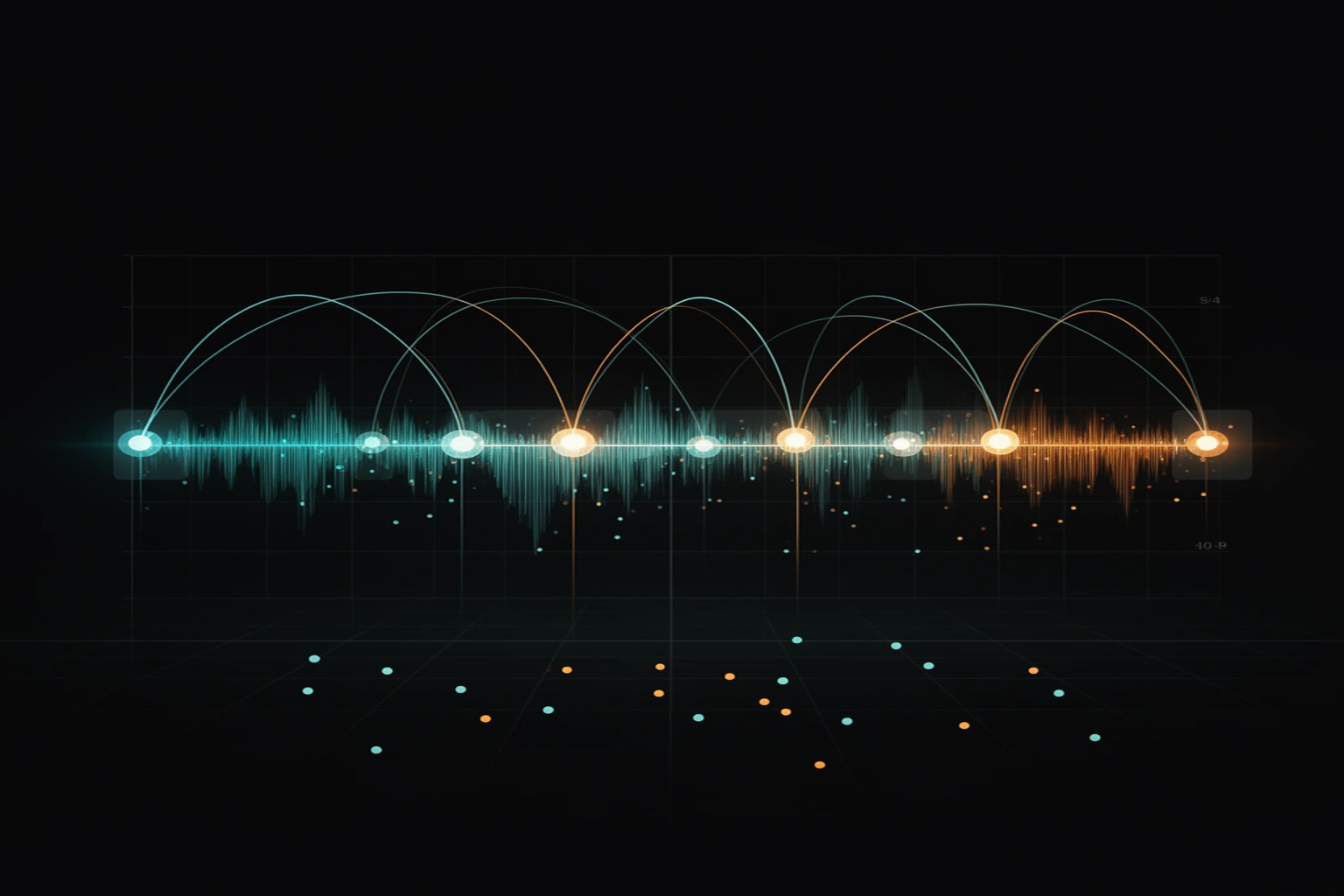
A count-in is the run of beats before the music that tells everyone when to start. Dancers know it as the 5-6-7-8, and a band knows it as a click before the downbeat. The free count-in tool puts a click lead-in in front of your song and exports a rehearsal WAV.
What the tool makes, and what it does not
It adds clicks, not a spoken voice. It does not generate the numbers 5, 6, 7, 8, so if you need a spoken count you must record it yourself. A four-count lead-in lasts exactly as long as a spoken 5-6-7-8 at the same tempo, so the clicks stand in for the voice.
Setting the tempo and the downbeat
Type the tempo or tap it, then line up beat 1. A beat lasts 60 divided by the tempo, so a four-count is four beats and an eight-count is eight. The table shows the lead-in length at common tempos.
| Tempo | One beat | Four-count | Eight-count |
|---|---|---|---|
| 90 BPM | 0.667 s | 2.667 s | 5.333 s |
| 100 BPM | 0.600 s | 2.400 s | 4.800 s |
| 120 BPM | 0.500 s | 2.000 s | 4.000 s |
| 140 BPM | 0.429 s | 1.714 s | 3.429 s |
Songs rarely start exactly on beat 1, because there is often a breath of silence or a pickup note first. If the first downbeat sits 250 ms into the file, enter an offset of 250 ms so the count-in hands off to the music on the 1.
Checking that it lands
Press the preview to hear the clicks over the song and nudge the offset until they sit on the beat. This check matters more than the number you typed, because an estimate that is off by even a small amount drifts further from the beat as the song plays. Once the clicks sit on the beat, choose a four- or an eight-count and render.
You can also keep the click running under the whole song, which helps in early rehearsals. Switch it off to export a clean version later.
Where a count-in goes wrong
One tempo describes one steady grid. A song played by people rather than programmed, or one that speeds up in the chorus, will slide away from a fixed click, so the count-in lands on the 1 but the click no longer matches later. Use the click through the song only for steady tracks.
If you only need the numbers on screen, the 8-Count Counter shows a large, accurate one-through-eight count at any tempo. To slow a hard section down without changing its pitch, use the Practice Speed Looper. A long session on one track is easier with the hour looper running the song on repeat.
When you need counts for the whole song
SongChoreo in the studio analyzes a song's beat grid and groups it into rehearsal counts, with editable labels and text, CSV or print cue sheets. Create an account and upload your song there, because the free tool's file is not transferred. Review the analysis cost first, since free usage has limits.
Free tools for this job
Free browser tools that go with this post.
- Count-In & Click Exporter (songchoreo.com) — Prepend a tempo-perfect count-in and optionally overlay a rehearsal click — export as WAV.
- 8-Count Counter (songchoreo.com) — A huge, accurate 1-through-8 count at any tempo — with accents, sound, and mirror mode.
- Practice Speed Looper (songchoreo.com) — Slow a section to 50–100% without changing pitch and loop it until it's clean.
- Hour Looper (songrepeat.com) — Loop a song gaplessly for an hour — with a sleep timer and gentle fade-out.